
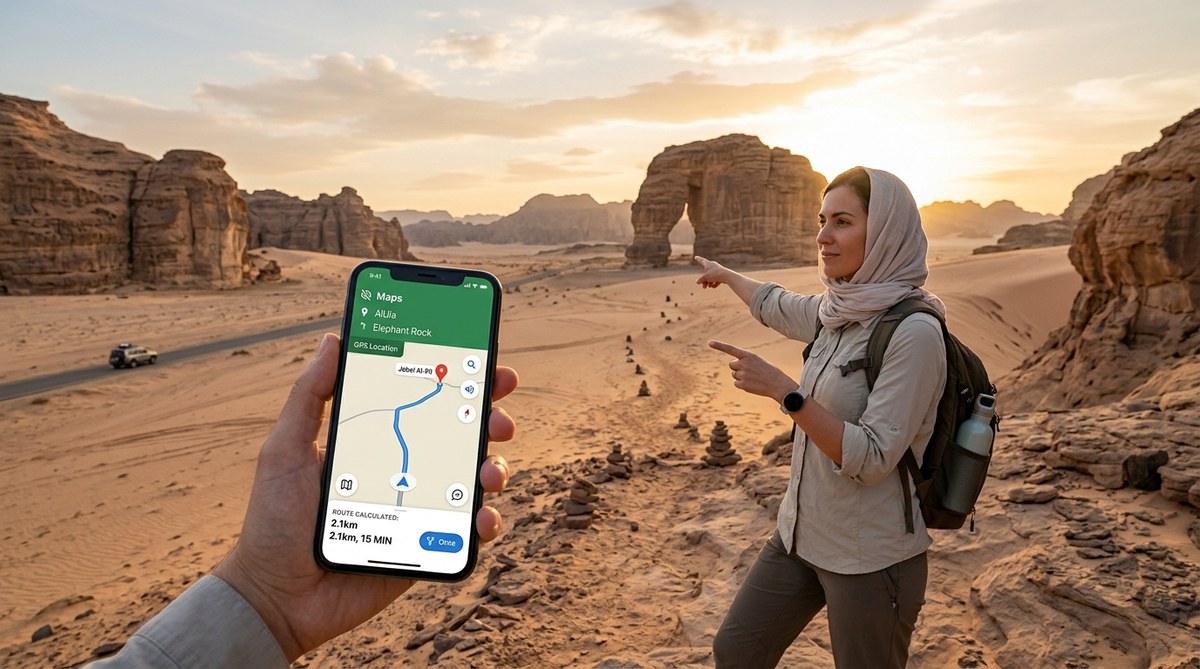
You are driving through the vast, empty landscape of the Empty Quarter. The sun is starting to sink. Your phone pings, and you see it: “No Service.” For a moment, your heart sinks. But then you smile because you already prepared for this. You have the right offline map loaded on your phone, and you know exactly where you are going. That feeling of control is what this guide is all about. We are going to cover the best navigation apps Saudi Arabia offline so you can drive, hike, and explore with total confidence.
No single app works everywhere in Saudi Arabia. The best strategy is to combine Google Maps for preloaded city data with Maps.Me for detailed offline walking and hiking paths. For deep desert travel, add a dedicated GPS app like Gaia GPS or OziExplorer. Downloading map regions before you leave WiFi is the single most important step you can take.
Why Saudi Arabia Puts Your Phone Navigation to the Test
Saudi Arabia is a country of stark contrasts. You have ultra-modern cities like Riyadh and Jeddah with flawless 5G coverage. Then, just an hour outside those cities, you can find yourself on a dirt track with zero cell signal. The Kingdom is huge, and much of it is empty. If you plan to visit the Asir mountains, drive through the northern deserts near Tabuk, or head out for a multi-day desert safari, you will lose signal. It is not a matter of if, but when.
This is why relying only on an app that needs a live internet connection is a risk. You need tools that work when the towers go silent.
The 3-Step Setup for Offline Navigation
Here is a practical process to follow before you leave your hotel or home base.
- Download your map regions. Open your chosen app while you have strong WiFi. Search for the area you will visit, like “AlUla” or “Edge of the World.” Download that specific map region for offline use. Most apps let you select a square area on the map.
- Save your key waypoints. Mark your hotel, your planned gas stops, and the entrance to your hiking trail. Pin them in the app. This creates a saved list that works without data.
- Test your offline mode. Turn off your phone’s cellular data or airplane mode. Open the app and make sure the map loads and your pins are visible. Do this while you still have a signal so you can fix any issues.
Best Navigation Apps Saudi Arabia Offline: Ranked
Not all offline maps are created equal. Here is the breakdown of the best tools and what they are good for.
| App Name | Best For | Offline Capability | Map Detail | Battery Use |
|---|---|---|---|---|
| Google Maps | City driving, basic navigation | Good (preloaded areas) | Good for roads, weak for trails | Moderate |
| Maps.Me | Hiking, walking, off-road tracks | Excellent (full country files) | Excellent (footpaths, dirt roads) | Low |
| Gaia GPS | Backcountry, desert, serious hiking | Excellent (topographic layers) | Excellent (topo lines, land ownership) | High |
| OziExplorer | Extreme off-road, wadi bashing | Excellent (uses raster maps) | Specialist (satellite image overlay) | Moderate |
| Here WeGo | Urban public transit, driving | Good (city maps) | Good for roads, weak for trails | Low |
Google Maps: Your City Safety Net
You already have it on your phone. Google Maps allows you to download specific areas for offline use. This is perfect for navigating the streets of Riyadh, finding a restaurant in Jeddah, or driving the main highways between cities. The catch is that the offline maps expire after a set period (usually 30 days) and do not include walking paths or minor desert tracks. It is your first line of defense, but not your only one.
Maps.Me: The Hiker and Off-Road Champion
If you are going to do any hiking, walking through a historic district like Al-Balad, or driving on unpaved roads, Maps.Me is the app you want. It uses OpenStreetMap data, which is incredibly detailed for trails and dirt tracks. You can download the entire country of Saudi Arabia in one go. The interface is clean, and it uses very little battery power. This is the best navigation app Saudi Arabia offline for adventurers.
Expert Advice: “I always tell travelers heading to the Edge of the World to use Maps.Me. Google Maps will show the main road, but Maps.Me shows the actual camel trails and the precise viewpoint. Download the Riyadh region map before you leave the city.” * Ahmed, desert tour guide.
Gaia GPS and OziExplorer: For True Desert Exploration
If you plan to go wadi bashing in the Empty Quarter or explore the lava fields near Harrat Khaybar, you need a serious GPS app. Gaia GPS offers topographic maps that show elevation changes, which is critical for navigating canyons. OziExplorer is the old-school favorite for overlanders. It allows you to use satellite imagery as your base map. These apps have a learning curve, but they are the most reliable when you are truly off the grid. For a complete guide on extreme desert travel, read our guide to surviving a multi-day desert safari.
Common Mistakes That Leave You Stranded
Even with the right app, people make mistakes. Avoid these.
- Forgetting to download the map. This is the number one error. You assume the app will cache data as you drive. It does not work that way for remote areas.
- Using only one app. Your phone might die. The app might crash. Always have a backup. Having Google Maps and Maps.Me is a solid combo.
- Ignoring battery life. GPS uses power. Keep your phone charged. Bring a car charger or a portable power bank.
- Not marking your starting point. Before you leave the main road to explore a side trail, drop a pin at the turnoff. This gives you a reference point to return to.
What to Do When You Have No Signal at All
Sometimes, you will find yourself in a dead zone where no app can download new data. This is where preparation pays off. If you have followed the setup steps above, your maps are already stored on your phone. The GPS chip in your phone does not need cell service to know where you are. It just needs the satellite signal. Your phone will show your blue dot moving on the offline map. It works perfectly.
If your phone battery dies completely, a dedicated GPS device like a Garmin inReach is the gold standard. It also allows for satellite messaging, which can be a lifesaver in an emergency. For most tourists, though, a well-prepared smartphone with Maps.Me is more than enough for exploring places like the Red Sea coast.
Your Offline Navigation Checklist
Use this list before you head out for the day.
- Offline maps downloaded for your entire route.
- Key destinations saved as pins or waypoints.
- Phone battery at 80% or higher.
- Backup power bank in the car.
- A secondary app installed as a fallback.
- A physical paper map or a screenshot of your route (for absolute emergencies).
Stay Found, Stay Safe, Keep Exploring
Getting lost in Saudi Arabia does not have to be scary. It can be part of the adventure, as long as you have the right tools. By taking ten minutes to download the right maps and install the best navigation apps Saudi Arabia offline, you give yourself the freedom to go off the main road and find those hidden gems. So charge your phone, open Maps.Me, download the region, and hit the road. The desert is waiting, and now you know exactly how to navigate it.