
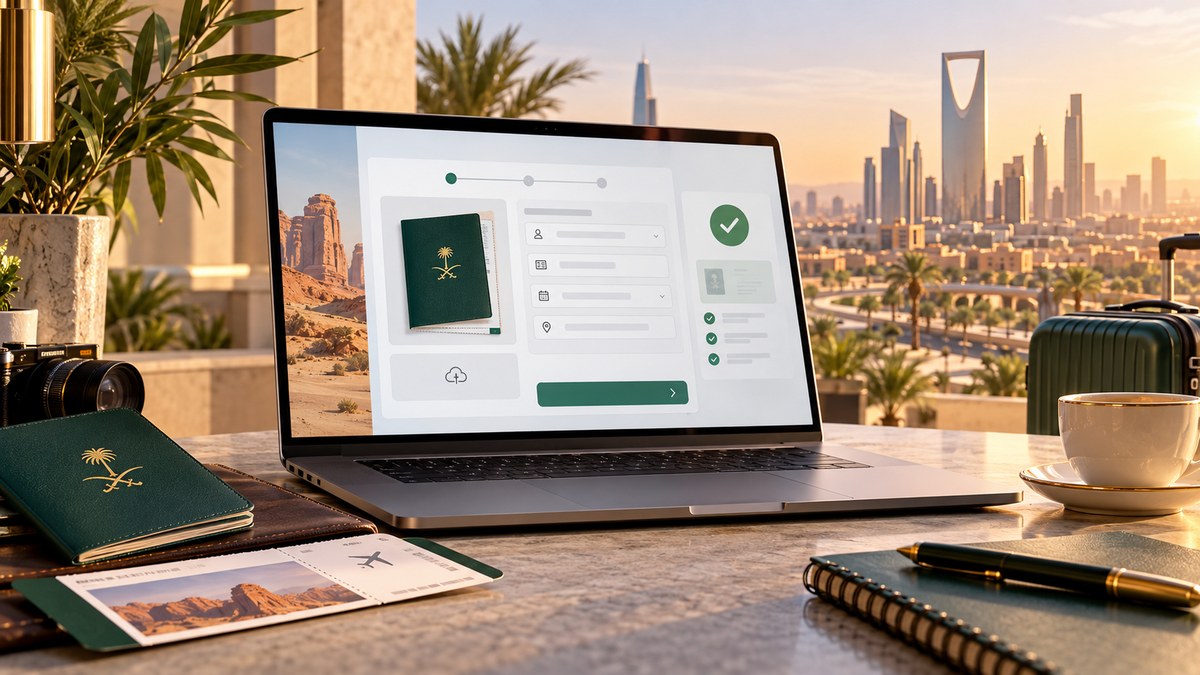
Planning a trip to Saudi Arabia is exciting. The ancient ruins of AlUla, the futuristic skyline of Riyadh, and the coral reefs of the Red Sea are calling your name. But before you book a flight, you need to get through the Saudi Arabia e-visa portal. If you have never done it before, the process can feel a bit overwhelming. This Saudi Arabia e-visa first-timer guide walks you through every click, every field, and every possible mistake so you can finish your application without stress.
The Saudi e-visa application takes about 15 minutes if you have your passport, a digital photo, and a credit card ready. Most approvals come within minutes, but some applications take up to 48 hours. The visa is valid for one year and allows multiple entries for stays up to 90 days. Avoid common photo and name-matching errors to prevent delays.
What You Need Before You Open the Portal
Do not start the application until you have these three items ready. Stopping mid-application to find your passport number is the number one reason people make typos.
- A valid passport with at least six months of remaining validity.
- A clear, digital photo of your passport’s biographical page.
- A credit or debit card for the visa fee and mandatory medical insurance.
You also need a working email address and a phone number that can receive SMS. The portal will send your visa approval as a PDF link. You do not need a printed visa to enter, but you must have the PDF on your phone or a printed copy.
Step-by-Step Walkthrough of the Saudi E-Visa Portal
The official portal is called “KSA Visa” and it is run by the Saudi Ministry of Tourism. Here is exactly what to do.
1. Go to the Official Portal
Open your browser and go to the official KSA Visa website. Look for the “Apply for Visa” button. Do not use third-party websites that charge extra fees. The official site handles everything.
2. Choose Your Visa Type
For tourism, select “Tourist Visa.” If you are visiting for Umrah, you can use the same tourist visa option. The system will ask if you are applying as an individual or as a group. If you are traveling with family, you can apply for everyone in one session.
3. Enter Your Personal Information
This is where most first-timers make mistakes. Type your name exactly as it appears on your passport. If your passport has a middle name, include it. If it does not, leave the middle name field blank. Do not add extra initials.
Enter your date of birth, nationality, and passport details. Double-check the passport number. One wrong digit can delay your visa by days.
4. Upload Your Photo and Passport Copy
The portal requires a recent passport-style photograph. The photo must have a white background. No sunglasses, no hats, and no shadows on your face. You also need to upload a scan or photo of your passport’s biographical page. Make sure the image is clear and not blurry.
5. Answer Security and Health Questions
The portal will ask about your criminal history and health status. Answer honestly. A false answer can result in a permanent ban from entering Saudi Arabia.
6. Pay the Fee
The total cost includes the visa fee plus mandatory health insurance. As of 2026, the fee for a tourist visa is around 300 SAR (about $80 USD) plus insurance. The portal accepts Visa, Mastercard, and American Express.
7. Wait for Approval
Most applications are approved within minutes. You will receive an email with a link to download your visa PDF. Some applications take up to 48 hours for manual review. If you do not hear back after two business days, check your spam folder, then contact the support team through the portal.
Common Mistakes That Delay Your Application
I have seen travelers get stuck because of simple errors. Here is a table of the most frequent mistakes and how to avoid them.
| Mistake | Why It Happens | How to Fix It |
|---|---|---|
| Name mismatch | Typing a nickname instead of the passport name | Use your full legal name exactly as printed |
| Blurry passport photo | Using a low-resolution phone scan | Take the photo in good daylight, no flash |
| Expired passport | Not checking the expiration date | Your passport must be valid for 6 more months |
| Wrong visa type | Selecting “Work Visa” instead of “Tourist” | Read the options carefully before clicking |
| Payment failure | Card not authorized for international charges | Call your bank before applying |
What Happens After You Get Approved
Once your Saudi Arabia e-visa is approved, you can enter the country through any international airport, land border, or seaport. The visa is valid for one year from the date of issue. You can stay for up to 90 days per visit. You do not need to register again or pay extra fees for multiple entries.
Expert advice: Save a copy of your visa PDF to your phone and email it to yourself. If you lose your phone, you can still access it from any device. Also, take a screenshot of your visa and keep it in a separate folder. This extra step has saved many travelers at immigration counters.
What the Visa Covers and What It Does Not
The tourist e-visa allows you to visit all regions of Saudi Arabia except the holy cities of Makkah and Madinah during Hajj season without a special permit. For Umrah, you can use the same tourist visa and book your Umrah permit through the Nusuk app.
The visa does not allow you to work, study, or conduct business meetings that generate income. If you plan to do business, you need a separate business visa.
Planning Your Trip After the Visa
With your visa approved, you can start building your itinerary. Saudi Arabia has opened up dramatically in the last few years. You can hike the Edge of the World, snorkel in the Red Sea, or explore the ancient Nabatean tombs of Hegra. If you are looking for ideas, check out our guide to 15 Hidden Gems in Saudi Arabia That Most Tourists Never Discover.
If you are planning a longer stay, read our breakdown of How Long Can You Actually Stay in Saudi Arabia on a Tourist Visa. The rules are generous, but you need to understand the 90-day limit.
What to Do If Your Application Is Rejected
Rejections are rare for genuine tourists, but they happen. The most common reason is a mismatch between your name and your passport. If you are rejected, the portal will tell you the reason. You can reapply after fixing the error. You do not lose your fee if the rejection was due to a system error, but you may need to pay again for a new application.
If you believe the rejection was a mistake, contact the KSA Visa support team through the portal. They usually respond within 24 hours.
Your Next Steps
Getting your Saudi Arabia e-visa is the first real step toward an unforgettable trip. The process is straightforward, but it demands attention to detail. Take your time, double-check every field, and keep your documents handy. Once you land in Riyadh or Jeddah, the real adventure begins. Whether you are here for the history, the food, or the desert landscapes, the Kingdom is ready to welcome you.